Changelogs
Stay up to date with the latest changes and enhancements.
Stay up to date with the latest changes and enhancements.


05. Jan 2026
Share
Our latest update is all about giving you more control over your brand and making your outreach even smarter. From dynamic "Buy Box" tags to automated follow-up mergers, V1.4 is designed to save you time while making your deals look more professional than ever.
 Highlights
Automated Watermarking: Protect your property photos and build brand recognition by automatically adding your logo and title to every image.
Buy Box Dynamic Tags: Automatically include a Buy Box/genius profile link in your deal, custom messages or Genius Mode so buyers can update their preferences on the fly.
Smart Follow-up Merger: Combine multiple deal follow-ups into a single message to keep your buyer's inbox clean and professional.
Google Photos Integration: Import property images directly from your Google Photos links for faster marketing.
Commercial Property Support: Full support for "Commercial" property types across deals, Genius Mode, and Buy Box.
 Enhanced Branding with Automatic Watermarks
Maintaining a professional brand is easier with our new automated watermarking system.
Instant Protection: Once you upload your company logo in the settings, you can toggle on "Add Watermark to Photos" in the Marketing Suite.
Auto-Applied: Every property photo you upload will automatically feature your company logo in the bottom corner along with diagonal watermarks of your company title across the entire image. This multi-layer protection keeps your assets safe from being copied while building instant brand recognition with your buyer list.
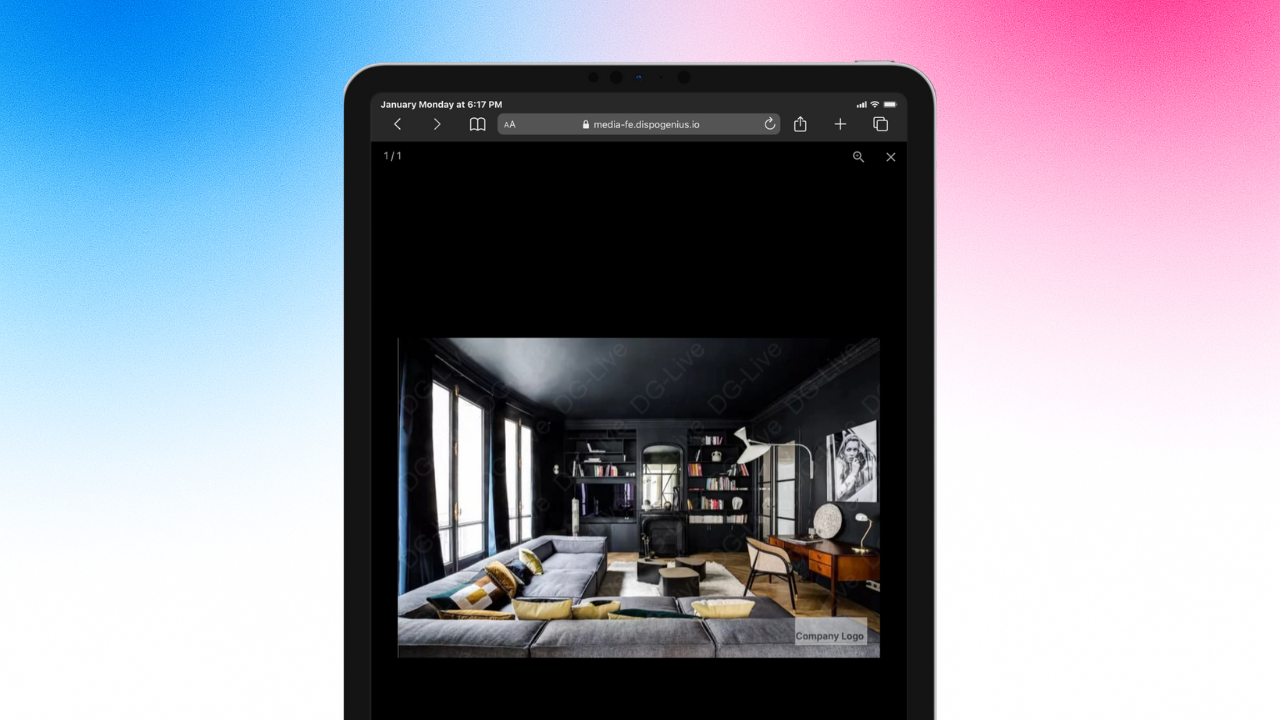
 Image 1 – Property photos with auto-applied company watermarks
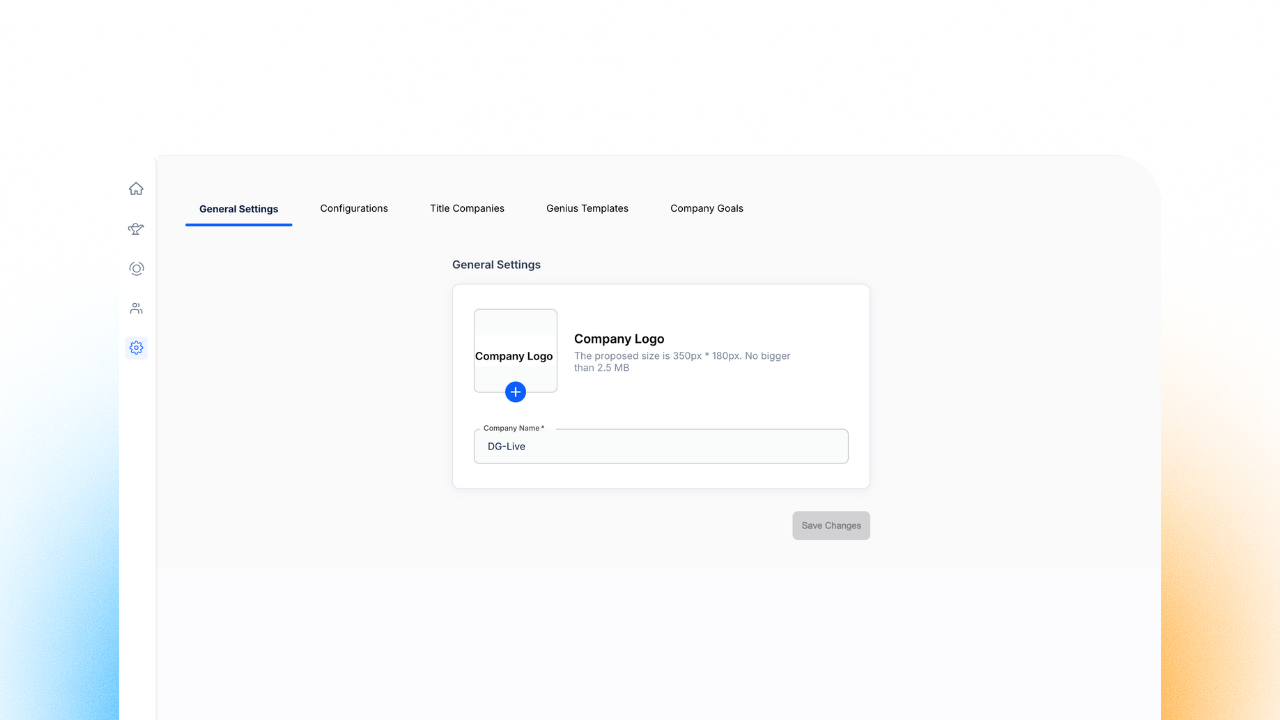
Image 2 – Settings page showing Company Logo & Name in General Settings
 Buy Box Dynamic Tags: Real-Time Preference Updates
You can now include a specialized dynamic tag in your SMS and email templates that links directly to a buyer's profile.
Keep Data Fresh: Instead of asking buyers for their criteria, send them a link where they can update their own "Buy Box" preferences.
Personalized Outreach: The link is unique to each buyer, making it easier for them to tell you exactly what they are looking for right now.
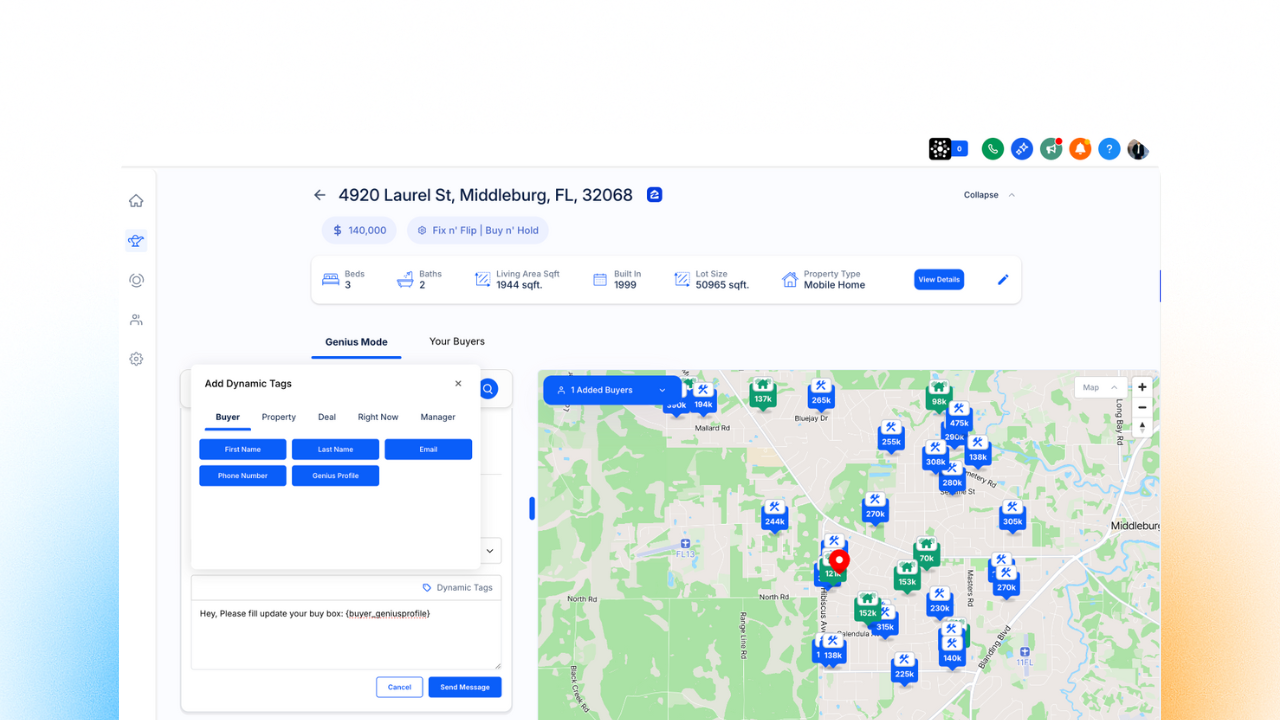
Image 3 – Genius Mode showing the new {buyer_geniusprofile} dynamic tag
 Smart System Fixes & Search Enhancements
We have smoothed out several "quality of life" features to make the system faster and more reliable.
Advanced Phone Search: You can now search for buyers using phone numbers even if they contain brackets or special characters.
Commercial Property Type: You can now categorize deals and buyers under the "Commercial" property type throughout the entire platform.
Genius View SMS Updates: We have added support for selecting "From" and "To" numbers directly within the Genius View, giving you the same control you have in the deal composer.
 Better Media Management
We have expanded the ways you can bring your property data into Dispo Genius.
Google Photos Support: You can now paste links from Google Photos directly into the Genius Marketing Suite to instantly import your property images.
Go to your Settings to upload your company logo and name for watermarking.
Check the Advanced Settings in your deal campaigns to enable the Follow-up Merger.
Start using the {buyer_geniusprofile} tag in your Deal Composer, Genius View or Genius Mode to let your buyers update their own Buy Box!
Paste your Google Photos link directly in the Genius Marketing Suite to instantly import your property images.